


Download the latest v2RayTun APK (January 2026). Secure your internet with an advanced Xray Core client supporting VLESS, VMess, and Reality. Experience high-speed, log-free proxying on Android and Android TV today.
Introduction: Advanced Privacy Control in 2026
In 2026, v2RayTun has established itself as a premier, lightweight tool for users who require total control over their network privacy. Unlike traditional VPNs that provide a set list of servers, v2RayTun acts as a powerful open-source client designed to help you connect to your own proxy servers. By leveraging the latest Xray Core, this application allows you to bypass complex network restrictions while keeping your true IP address completely hidden.
The January 2026 update of v2RayTun focuses on stability and modern protocol support. As internet censorship becomes more sophisticated, the v2RayTun interface remains intentionally user-friendly, allowing both experts and beginners to import secure configurations in seconds. Whether you are browsing on a public Wi-Fi network or navigating restricted global content, v2RayTun ensures your data remains encrypted and your connection remains unstoppable.
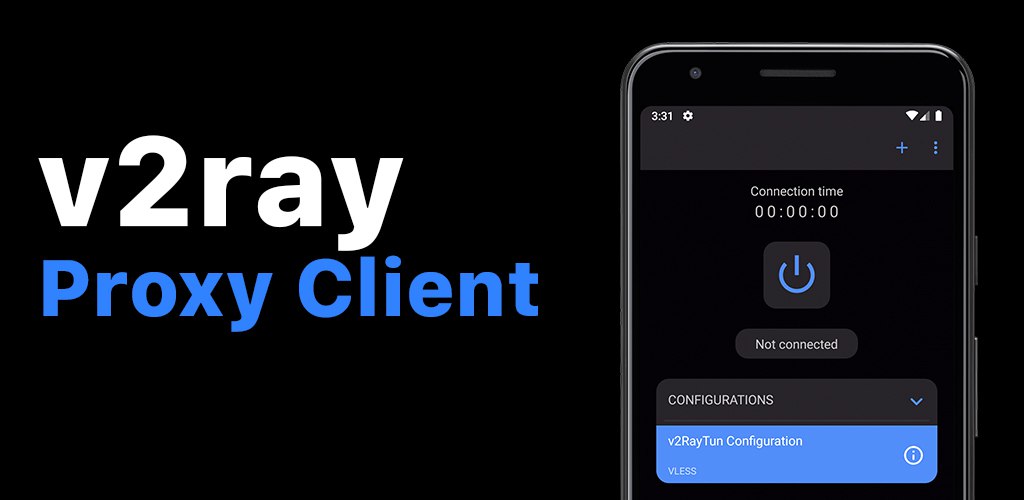
Key Features in the January 2026 Release
The latest v2RayTun build (v5.19.64) is optimized for high-performance tunneling:
- Comprehensive Protocol Support: v2Ray Tun supports all major modern protocols including VLESS, VMess, Trojan, ShadowSocks, and SOCKS, ensuring compatibility with almost any private server.
- Reality (Xray) Integration: Stay ahead of firewalls with built-in support for Reality. This allows your v2RayTun connection to mimic standard HTTPS traffic, making it nearly impossible for network filters to detect.
- Zero-Log Privacy: Privacy is the core of the v2Ray Tun philosophy. The app does not collect user information, network activity, or logs. All configuration data stays locally on your device.
- One-Tap Import: You can add new server configurations to v2RayTun effortlessly using QR codes, clipboard links, or deep links (
v2raytun://), removing the need for manual text entry. - Android TV Optimization: The 2026 version features a refined interface specifically for Android TV and TV boxes, making it easy to secure your streaming devices with a remote control.
Top 20 Android Apps
Technical Performance: 2026 Metrics
| Feature | Specification |
| Core Version | Xray Core v25.10.15+ |
| Encryption Methods | AES-128-GCM, AES-256-GCM, Chacha20-Poly1305 |
| Traffic Routing | Per-app Split Tunneling |
| Supported OS | Android 7.1 to Android 16.0 |
| App Size | ~35.2 MB |
Mastering the App: Efficiency & Security Tips
To maximize the performance of v2Ray Tun, consider these advanced configuration tips:
Enable Split Tunneling
Within the v2RayTun settings, use the “Per-App Proxy” feature. This allows you to choose exactly which apps use the secure tunnel (like your browser) and which apps connect directly to the local internet (like your banking app), optimizing your speed.
Verify SSL Certificates
For the highest security, ensure your v2Ray Tun configuration is set to verify SSL certificates. This prevents “Man-in-the-Middle” attacks, though a separate version of the app exists on GitHub for users who specifically need to bypass certificate checks for testing purposes.
Automated Ping Tests
Use the built-in ping tool in v2Ray Tun to test all your imported configurations simultaneously. The app will highlight the lowest-latency server, ensuring you always select the fastest available path for gaming or 4K streaming.
Conclusion: The Definitive Proxy Tool
The v2RayTun app in 2026 is an essential utility for anyone serious about digital sovereignty. By combining the flexibility of multiple protocols with the cutting-edge obfuscation of Xray, v2Ray Tun empowers you to reclaim your internet freedom. If you need a fast, reliable, and strictly private way to manage your proxy connections, this update is a mandatory addition to your device.
DOWNLOAD v2RayTun APK v5.19.64
[Download v2RayTun APK (35.2 MB) – Official January 2026 Release]
Please Note: v2RayTun does not provide built-in VPN services or servers. You must provide your own server or subscription link to use this application. Ensure “Install from Unknown Sources” is enabled in your Android settings to complete the installation.